
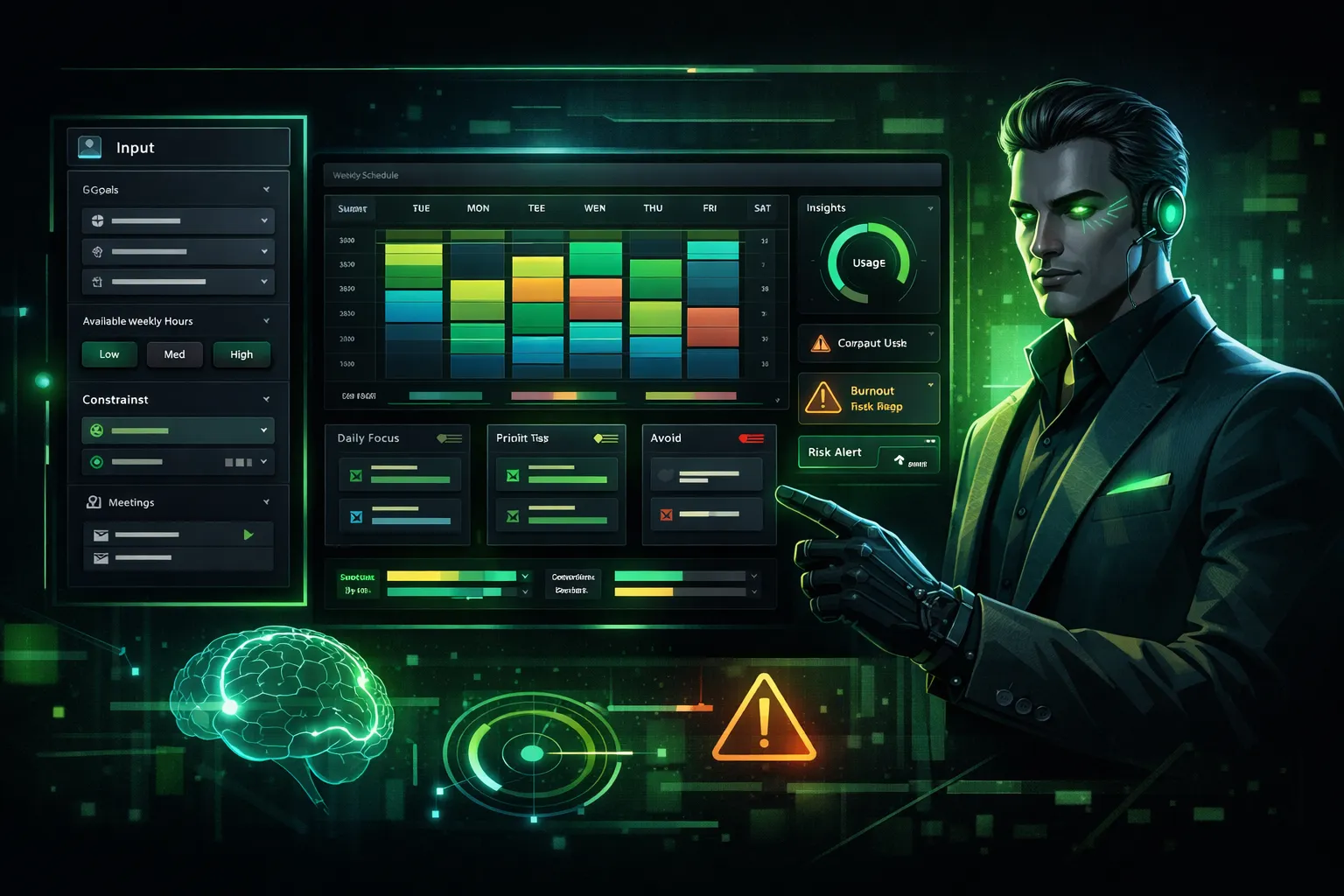
Build an AI-Powered Personal Operating System Dashboard That Generates Daily Execution Plans From Your Goals

AI Agents
Prompt Content
Build a fully functional micro web app called Personal Operating System (POS) Dashboard.
This app acts as a structured AI productivity engine.
The user inputs:
• Long-term goals
• Current projects
• Available weekly hours
• Energy level (low / medium / high)
• Constraints (meetings, deadlines)
The system must generate:
• A prioritized weekly plan
• A daily execution schedule
• Focus blocks
• Deep work recommendations
• Risk alerts
This is not a to-do list generator.
It must feel like an AI chief-of-staff.
⸻
Core Behavior
The AI must:
1. Analyze goals
2. Identify leverage tasks
3. Allocate time blocks intelligently
4. Detect overload risks
5. Suggest what to eliminate
The system must simulate a structured planning process:
Analyze → Prioritize → Schedule → Optimize → Warn
⸻
Required Features
1. Goal Input Panel
• Add/edit long-term goals
• Tag by category (health, business, learning, etc.)
2. Resource Constraints Panel
• Hours available per week
• Fixed obligations
• Energy level selector
3. AI Plan Generator
Outputs:
• Weekly breakdown
• Daily blocks
• Top 3 focus tasks per day
• “Avoid This” section (low-leverage tasks)
⸻
4. Load Indicator
Display:
• Capacity usage %
• Burnout risk indicator
• Overcommitment warning
⸻
Unique Twist
Include a “Strategic Mode” selector:
• Aggressive Growth Mode
• Balanced Mode
• Preservation Mode
The AI must adapt scheduling intensity accordingly.
⸻
UI Requirements
Dark mode only.
Minimal dashboard layout.
Layout:
Left → Inputs
Center → Weekly Plan
Right → Insights + Warnings
Include:
• Time-block visualization
• Subtle progress bars
• Structured cards
⸻
Technical Requirements
• Single-page app
• Pure HTML, CSS, JavaScript
• Modular logic
• AI prompt builder
• LocalStorage persistence
• Clear separation between:
• Planning logic
• Scheduling logic
• Risk analysis logic
⸻
Internal AI Prompt Template
You are a strategic productivity advisor.
Given the user’s goals, constraints, and available time:
1. Identify highest leverage actions
2. Prioritize based on impact
3. Allocate realistic time blocks
4. Warn about overload
5. Suggest eliminations
Be structured and concise.
User Input:
{{USER_DATA}}
⸻
Output Requirements
Return:
1. Complete runnable frontend code
2. Explanation of scheduling algorithm
3. Internal AI prompt template
4. API connection instructions
No pseudo-code.
No placeholders.
Build a fully functional micro web app called Personal Operating System (POS) Dashboard.
This app acts as a structured AI productivity engine.
The user inputs:
• Long-term goals
• Current projects
• Available weekly hours
• Energy level (low / medium / high)
• Constraints (meetings, deadlines)
The system must generate:
• A prioritized weekly plan
• A daily execution schedule
• Focus blocks
• Deep work recommendations
• Risk alerts
This is not a to-do list generator.
It must feel like an AI chief-of-staff.
⸻
Core Behavior
The AI must:
1. Analyze goals
2. Identify leverage tasks
3. Allocate time blocks intelligently
4. Detect overload risks
5. Suggest what to eliminate
The system must simulate a structured planning process:
Analyze → Prioritize → Schedule → Optimize → Warn
⸻
Required Features
1. Goal Input Panel
• Add/edit long-term goals
• Tag by category (health, business, learning, etc.)
2. Resource Constraints Panel
• Hours available per week
• Fixed obligations
• Energy level selector
3. AI Plan Generator
Outputs:
• Weekly breakdown
• Daily blocks
• Top 3 focus tasks per day
• “Avoid This” section (low-leverage tasks)
⸻
4. Load Indicator
Display:
• Capacity usage %
• Burnout risk indicator
• Overcommitment warning
⸻
Unique Twist
Include a “Strategic Mode” selector:
• Aggressive Growth Mode
• Balanced Mode
• Preservation Mode
The AI must adapt scheduling intensity accordingly.
⸻
UI Requirements
Dark mode only.
Minimal dashboard layout.
Layout:
Left → Inputs
Center → Weekly Plan
Right → Insights + Warnings
Include:
• Time-block visualization
• Subtle progress bars
• Structured cards
⸻
Technical Requirements
• Single-page app
• Pure HTML, CSS, JavaScript
• Modular logic
• AI prompt builder
• LocalStorage persistence
• Clear separation between:
• Planning logic
• Scheduling logic
• Risk analysis logic
⸻
Internal AI Prompt Template
You are a strategic productivity advisor.
Given the user’s goals, constraints, and available time:
1. Identify highest leverage actions
2. Prioritize based on impact
3. Allocate realistic time blocks
4. Warn about overload
5. Suggest eliminations
Be structured and concise.
User Input:
{{USER_DATA}}
⸻
Output Requirements
Return:
1. Complete runnable frontend code
2. Explanation of scheduling algorithm
3. Internal AI prompt template
4. API connection instructions
No pseudo-code.
No placeholders.
Save Prompt