
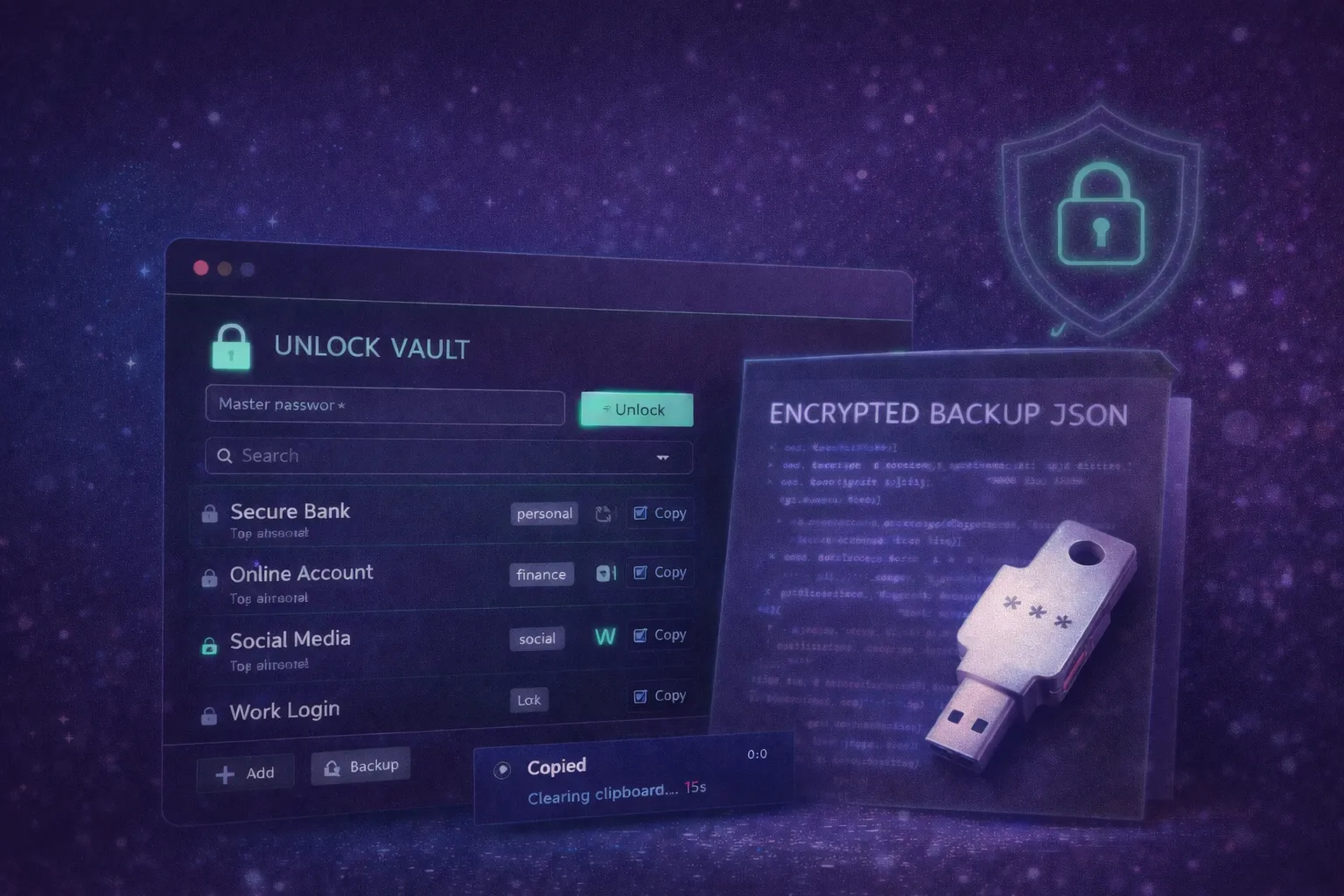
Build an Offline Encrypted Password Vault Micro Web App (One File, WebCrypto)

This is for personal use and local storage only.
The app must be secure-by-design, usable, and actually runnable — not a mockup.
Share hook: “Password manager in one file.”
⸻
🔐 Core Security Model (Required)
Master Password + Encryption
• User creates a Master Password
• Derive an encryption key using:
• PBKDF2 with SHA-256
• salt stored locally
• high iteration count (configurable)
• Encrypt vault data using:
• AES-GCM (WebCrypto API)
• Store only encrypted vault in localStorage or IndexedDB
• Never store the master password
• Provide a clear “Locked” and “Unlocked” state
Locking
• Auto-lock after configurable inactivity time (default 5 minutes)
• Manual Lock button
⸻
🧩 Vault Features (Must Have)
1) Add / Edit / Delete Entries
Each entry includes:
• Site/App name
• Username/email
• Password
• URL (optional)
• Notes (optional)
• Tags (multiple)
2) Search + Tag Filtering
• Search by name, username, tags
• Tag chips for filtering
3) Copy-to-Clipboard with Timer
• Copy username or password
• After copy:
• show a small toast “Copied”
• auto-clear clipboard after 20–30 seconds if possible
• visually warn before clearing
• Never reveal password by default
• Provide a “Hold to reveal” interaction (1.5s hold) instead of a simple toggle
4) Password Generator
• Length slider
• toggles: uppercase, lowercase, numbers, symbols
• “avoid ambiguous characters” option
• One-click insert into new entry
⸻
💾 Backup & Restore (Encrypted)
Export Encrypted Backup
• Export encrypted vault to a .json file
• Must include:
• encrypted payload
• salt
• IV/nonce
• version metadata
• Export must NOT leak plaintext data
Import Encrypted Backup
• Import the JSON backup
• Ask for Master Password
• Decrypt and load vault
• Validate version and handle errors gracefully
⸻
🧠 UX Requirements (Important)
Visual Style
• Dark mode default
• Clean, professional, non-flashy
• Subtle glow or accent (optional)
• Clear security status indicator:
• Locked (red/gray)
• Unlocked (green)
• Smooth transitions when locking/unlocking
Interaction Principles
• Keyboard-friendly
• Minimal friction for searching and copying
• No clutter
• No ads, no analytics, no tracking
⸻
🛠 Technical Requirements
• Single HTML file (embedded CSS + JS)
• No external libraries
• Use WebCrypto API
• Prefer IndexedDB for encrypted blob storage, fallback to localStorage
• Clean readable code, commented for remixing
• Include a top-of-file CONFIG section for:
• PBKDF2 iterations
• auto-lock minutes
• clipboard clear timer
• default password generator settings
⸻
🧪 Safety Requirements (Do Not Skip)
• Use crypto.getRandomValues for all salts/IVs
• Never log secrets to console
• Never store plaintext passwords in localStorage
• Avoid insecure “encryption” like base64
• Wipe sensitive variables in memory where practical
• Add a warning that this is a lite vault and users should still practice good security hygiene
⸻
📦 Final Output
Deliver:
1. The complete runnable single-file app
2. A short explanation of the encryption model
3. Notes on limitations and best practices
4. A mini test plan (lock/unlock, export/import, wrong password flows)
Optimized for LLMs
Programming Languages
Tags
Additional Details
What this app is for
This micro app is designed for personal, offline-first password storage when you want full control and zero accounts. It replaces the basic use case of password managers: storing, searching, and copying credentials securely—without sync, subscriptions, or servers.
It is ideal for:
• secondary or low-risk accounts
• air-gapped or offline environments
• developers who want to understand client-side encryption
• users who prefer owning their data
⸻
What this app is not
• Not a replacement for enterprise-grade password managers
• Not multi-device sync
• Not a shared vault
• Not a zero-risk solution
Security comes from local encryption + user responsibility, not infrastructure.
⸻
Tips for safe use
Tip 1: Use a strong master password
Your master password is the single point of security. Use a long, unique passphrase.
Tip 2: Export backups regularly
Encrypted backups protect you from accidental data loss. Store them securely.
Tip 3: Lock often
Auto-lock is a safety net, not a guarantee. Lock manually when stepping away.
Tip 4: Don’t disable encryption “for convenience”
Plaintext storage defeats the entire purpose of this app.
⸻
Common questions
Q: Can someone recover my vault if I forget the master password?
A: No. This is by design. There is no recovery mechanism.
Q: Is localStorage safe enough?
A: Data is encrypted before storage. For larger vaults, IndexedDB is preferred.
Q: Can this be extended later?
A: Yes. The architecture supports adding:
• PWA install
• biometric unlock (platform-dependent)
• cloud sync (optional, advanced)
💬 1 Comment
This is actually pretty helpful for a lot of people!